

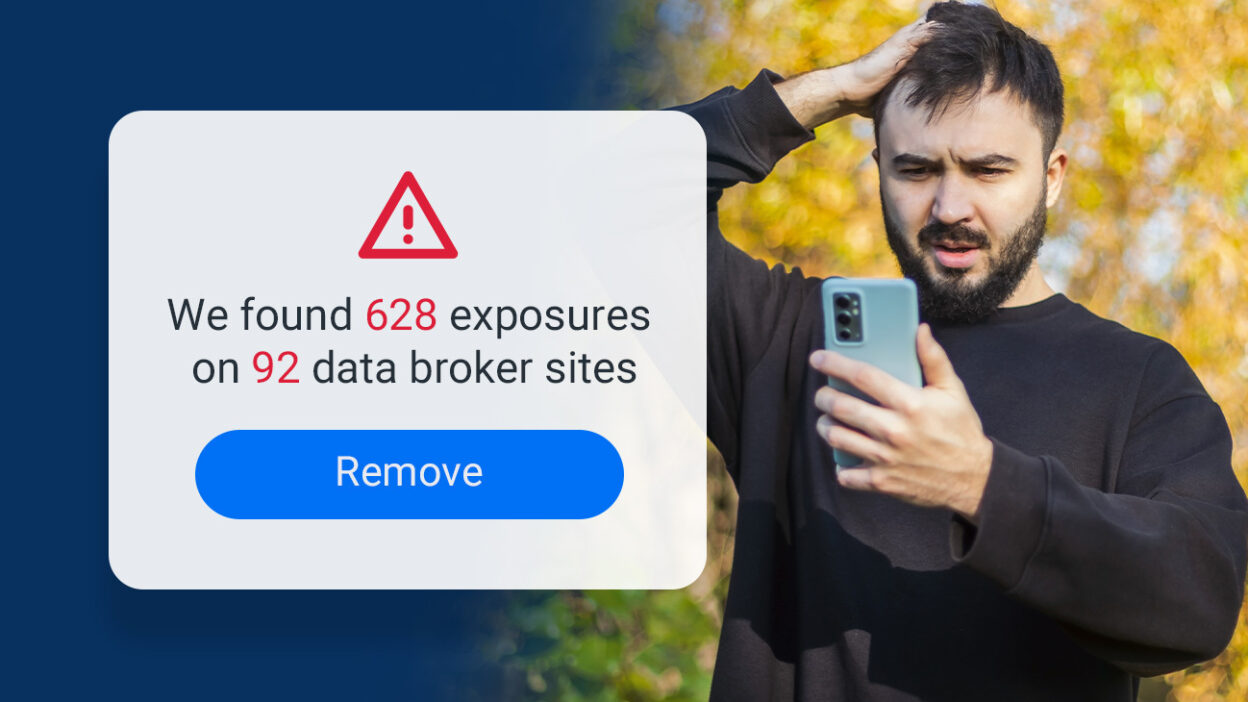
Your phone number is more than just a way to stay connected—it’s a key piece of your personal privacy. Unfortunately, data broker sites like Whitepages, Spokeo, and BeenVerified often collect and sell your information without your consent, making your phone number easy to find for anyone, including scammers and telemarketers.
If you’ve been bombarded with spam texts, robocalls, or even phishing scams, chances are your personal information is available on these sites. The good news? You can take control of your online privacy, and YouMail’s Privacy Scan makes the process easier than ever.
What Are Data Broker Sites?
Data broker sites are online directories that gather, aggregate, and sell personal data. This can include your phone number, address, birthdate, and more. They scrape information from public records, social media, and other online sources, creating detailed profiles that are sold to businesses, marketers, and even individuals.
While these sites claim to provide useful services, such as reconnecting with old friends, they also expose your private details to potential misuse.
Why Should You Remove Your Phone Number?
Removing your phone number from data broker sites is essential for protecting your privacy and security. Here’s why:
- Avoid Spam and Scams: Reducing your online footprint minimizes unwanted calls and phishing attempts.
- Enhance Privacy: Keep personal details like your address and phone number out of public reach.
- Prevent Identity Theft: Protect your identity from hackers who could use your information for fraudulent activities.
How YouMail’s Privacy Scan Can Help
Manually removing your phone number from data broker sites is time-consuming and tedious. That’s where YouMail’s Privacy Scan comes in. This feature, included in all YouMail premium plans, streamlines the process of identifying and erasing your personal information from the internet.
Here’s how Privacy Scan works:
Step-by-Step Guide to Using Privacy Scan
1. Start Your Privacy Scan
Log into your YouMail online account, and select the Privacy Scan option from the left-side dashboard menu. Click here to access Privacy Scan directly.
2. Provide Basic Information
To begin the scan, enter the following details:
- First and last name
- Age or birth year
- City and state
3. Run the Scan
Click Run Free Scan to start the process. This will search major data broker sites for your personal information. Scanning takes about 90 seconds—stay on the page until it’s complete.
4. Review Your Results
Once the scan is complete, you’ll see a list of data broker sites where your information is exposed. This includes the number of exposures found and a preview of the sites involved.
5. Start the Removal Process
Click Remove All Info to initiate the scrubbing process. Privacy Scan will contact the data broker sites on your behalf and request that your personal information be removed.
What Happens Next?
- Initial Removals: Within 3-20 days, removal progress will start showing in your Privacy Scan dashboard.
- Complete Scrubbing: By day 45, most of your data exposures will be removed.
- Ongoing Monitoring: After 45 days, Privacy Scan automatically checks for new exposures and removes them.
Action Required: Some broker sites may need additional steps to process removals. Privacy Scan will highlight these with a red triangle and provide clear instructions on what you need to do. For example, some sites, like Spokeo, require user action to complete requests.
Why Choose Privacy Scan?
With YouMail’s Privacy Scan, you’re not just removing your phone number from data broker sites—you’re taking a proactive approach to safeguarding your privacy. Here’s why Privacy Scan is a game-changer:
- Comprehensive Scans: Detects exposures across multiple data broker sites.
- Automatic Monitoring: Keeps your personal information protected with ongoing scans and removals.
- Saves Time: Handles the tedious process of contacting broker sites for you.
- User-Friendly: Simple, guided steps ensure anyone can use it with ease.
Take Control of Your Privacy Today
Your personal information doesn’t belong in the hands of data brokers. With YouMail’s Privacy Scan, you can reclaim your privacy and enjoy peace of mind knowing your phone number and other details are protected.
Ready to get started? Run your Privacy Scan now and take the first step toward a more secure online presence.