

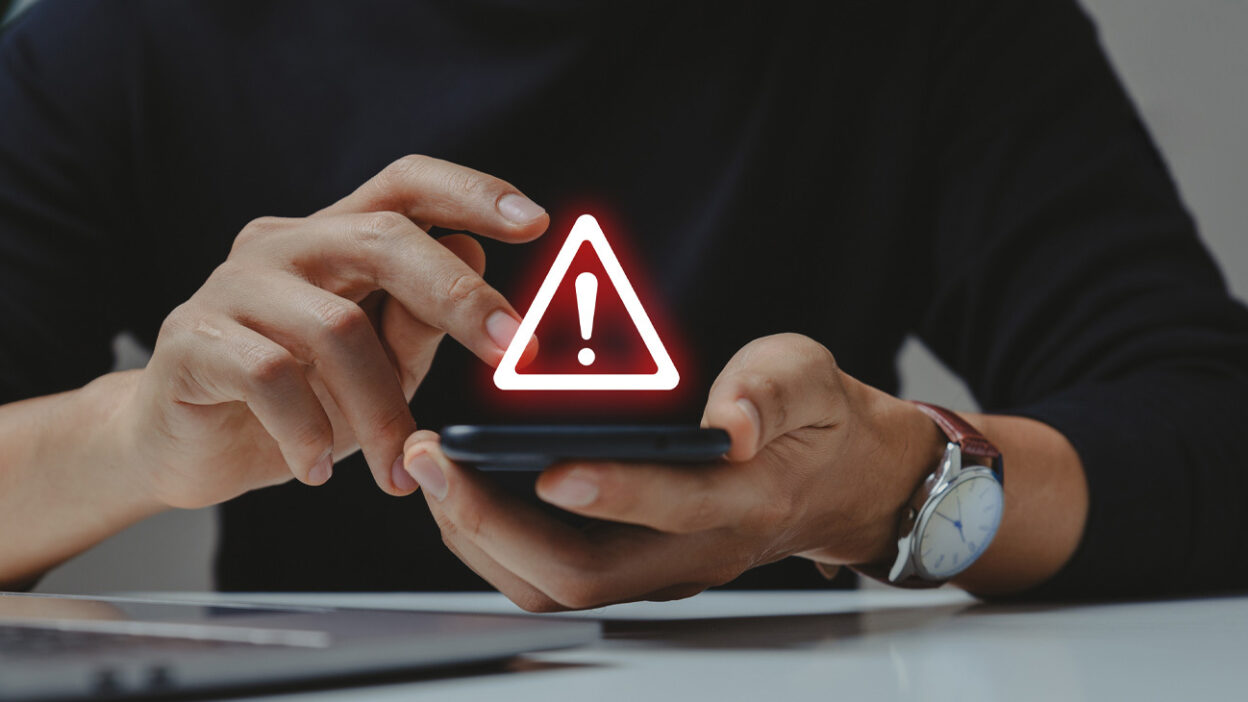
If your phone rings and the voice on the other end says your credit card has been compromised, would you believe it?
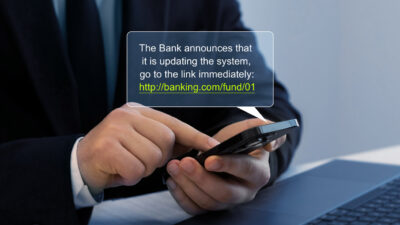
As digital fraud continues to evolve, credit card holders are increasingly targeted by robocallers who impersonate banks, credit card companies, and fraud departments. These scammers often sound legitimate, use local or spoofed numbers, and push you to act immediately. Some even follow up with fake text alerts, a tactic known as “smishing.”
This alarming trend is reflected in recent reports from the FCC. In its April 2025 robocall complaint data, credit card-related scams accounted for 5 percent of all robocall complaints received—a significant number when considering the millions of robocalls made each month.
With phishing techniques becoming more sophisticated, consumers need to be prepared. This article will explain what these scams look like, how to spot them, and how you can stop them with the right tools—starting with your phone.
The Rise of Financial Scams Exploiting Credit Card Companies

Fraudulent credit card calls typically claim that:
- Suspicious activity has been detected on your account
- Your card has been frozen or locked
- You need to confirm or reset your PIN
- There is an issue with a recent payment or transaction
- New Rates Available
These calls often instruct the victim to “press 1 to speak to security,” or to call back on a spoofed number that appears to be from your bank or card issuer. Once connected, the scammer may ask for your credit card number, CVV code, or login credentials.
Smishing works similarly. You may receive a text message that looks like it’s from your bank, saying:
- “Unusual transaction detected. Call us immediately.”
- “Your card was used at [merchant]. If this wasn’t you, click here.”
These messages usually link to phishing websites that capture your data or download malware onto your device.
The goal of both robocall and smishing scams is simple: steal your money or identity by gaining access to your account.
5 Signs It’s an Imposter Scam Call from ‘Your Bank’
Use this checklist to help determine if a call is truly from your credit card provider or a scam designed to defraud you.
- They ask for personal details right away
Real banks will never ask for your full credit card number, Social Security number, or PIN over an unsolicited call. - The call comes from a number that looks suspicious
Scammers often use caller ID spoofing to mimic local numbers or well-known institutions. Always verify numbers on your official bank statement or app. - They create a sense of urgency
Phrases like “Your card is about to be suspended” or “You must act now” are designed to make you panic and comply quickly. - You receive a follow-up SMS or email with links
If you’re sent a link and urged to click it or enter your login information, it’s almost certainly a smishing attempt. - They discourage you from calling back on official numbers
Scammers may tell you not to contact the bank directly and to resolve the issue through them instead. This is a major red flag.
If any of these signs apply, do not provide any information. Hang up, delete the message, and report the activity.
What the FCC and IRS Say About These Scams
Both the Federal Communications Commission (FCC) and the Internal Revenue Service (IRS) regularly issue updates and guidance on how to avoid robocall and phishing scams.
According to the FCC, credit card scams are among the most persistent robocall threats. They warn consumers to:
- Never share personal or financial information via phone or SMS
- Report robocalls to the FCC Consumer Complaint Center
- Use call-blocking services and mobile security apps
The IRS, which deals with related tax identity theft issues, offers additional resources on how to report phishing and online scams.
These resources offer valuable guidance, but they’re often after-the-fact. To stay ahead of these scams, proactive call protection is essential.
How YouMail Automatically Blocks Known Scam Calls
YouMail’s robocall protection platform is designed to stop credit card scam calls before they ever reach your voicemail. Here’s how it works:
- Robocall fingerprinting: YouMail detects suspicious call patterns based on millions of daily call records.
- Caller ID intelligence: The platform identifies spoofed numbers commonly used by scammers.
- Auto-blocking: When a known scam number tries to call, it’s instantly blocked.
- Voicemail filtering: YouMail transcribes messages and flags any suspicious keywords or patterns.
Because YouMail maintains an up-to-date database of fraudulent numbers, including those flagged in official complaints, it provides smarter, real-time protection that adapts to new scam techniques—whether they’re calls, voicemails, or text-triggered spam.
YouMail also maintains a public Robocall Directory where users can search and verify suspicious numbers or report new ones.
What You Should Do If You Receive a Scam Call
If you’ve recently received a suspicious call or text about your credit card, take these steps immediately:
- Do not answer unknown or suspicious calls.
- Do not click on links or respond to suspicious texts.
- Check your credit card app or contact your card issuer using their official number.
- Report the number to YouMail or the FCC.
- Install a robocall blocker like YouMail to prevent future attacks.
Stay Protected Every Time Your Phone Rings
Credit card scam calls and smishing threats are becoming more difficult to detect, but with the right tools and awareness, you can stop them in their tracks.
By using intelligent call protection, automated voicemail filtering, and real-time fraud detection, YouMail empowers you to take control of your phone and your finances.
Protect your finances from robocallers—get the free YouMail app today.


I was checking my bills on my bank account. I had 4 credits listed, I knew about three, but the other I did not , and they all had my credit card’s last 4 numbers. I called the number and it was all recordings saying I had bought a Medical necklace— I’ve never purchased anything from that company! How can you help me???
You need to talk with your bank directly to dispute the charge as fraudulent.