

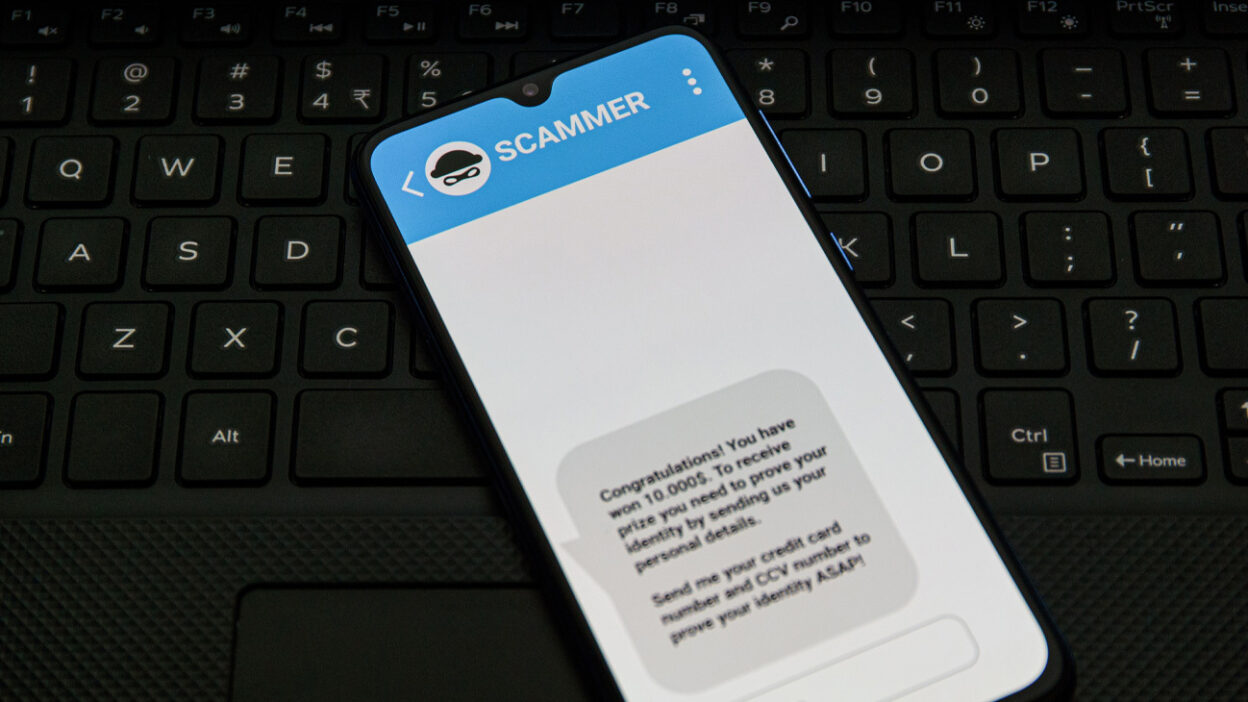
Think of the last time you were going about your day and you received a suspicious or confusing text from an unknown number. Chances are, that was likely a spam text with the goal of trying to steal your private information. According to us.norton.com, “in addition to being painfully irritating, spam texts also risk exposing you to identity theft, malware infections, and other repercussions of giving potential hackers access to your personal information. To boot: It’s illegal to send unsolicited, spam, or commercial text messages to your wireless device without your permission.” Fortunately, YouMail has your back with its spam text blocking and filtering feature. To stop spam texts from messaging you, you need to add an extra layer of protection to your mobile device like YouMail. Not only does YouMail offer protection that helps you stop spam texts with features like call blocking, YouMail also notifies the authorities to help put the scammers out of business.
In this article, we cover:
- What is spam text blocking?
- Why you need spam text blocking on your phone
- How to get spam text blocking
What is spam text blocking?
Spam text blocking provides you with the peace and protection you need by preventing bad actors and scammers from reaching you via text. By blocking those on our spammer list, YouMail detects and filters spam texts so you can preserve your identity and protect your private information. Even simply responding to a spam text can put your and your private information at risk, so you’re better off blocking or filtering robotexts to be safe.
Why you need spam text blocking and filtering on your phone
Spam text blocking and filtering eliminates scammers trying to entice you to give away personal information via text. By blocking them, YouMail is preventing you from engaging in potentially harmful conversations. According to consumer.ftc.gov, “scammers send fake text messages to trick you into giving them your personal information — things like your password, account number, or Social Security number. If they get that information, they could gain access to your email, bank, or other accounts. Or they could sell your information to other scammers. Scammers often try to get you to click on links in text messages by promising you something.” With YouMail’s spam text filtering technology, your private information and identity are safe.
Effective Strategies to Block Unwanted Calls and Texts
- Registration on Do Not Call Lists: Enrolling your number on national and state Do Not Call lists can significantly reduce the number of telemarketing calls received. However, it is crucial to note that this method does not block all types of unwanted calls.
- Utilizing Call-Blocking Features on Devices: Modern smartphones and telecommunications services offer built-in features and apps that allow users to block specific numbers and identify potential spam calls.
- Employing Third-Party Call and Text Blocking Services: Dedicated services and apps are designed to identify, block, and manage unwanted communications effectively. These services utilize advanced algorithms and databases of known spam numbers to protect users from unwanted intrusions.
YouMail: A Premier Solution to Combat Robocalls and Texts
Among the myriad of options available, YouMail stands out as a leading solution in the fight against robocalls and texts. YouMail offers an intelligent call management service that goes beyond mere blocking. It provides users with a smart, automated virtual assistant that effectively manages all incoming calls based on personalized preferences and security settings.
Key Features of YouMail:
- Smart Call Blocking: YouMail’s sophisticated algorithm identifies and blocks spam calls, ensuring that users only receive calls from legitimate sources.
- Visual Voicemail: YouMail offers an enhanced voicemail experience with visual voicemail, allowing users to read voicemail transcriptions and listen to messages in any order.
- Custom Greetings: Users can set personalized greetings for different callers, adding a touch of personalization to their call management system.
- Robocall Index: YouMail maintains a comprehensive database of known spam numbers, contributing to a safer telecommunications environment for everyone.
To block and filter spam text messages, download YouMail today.


Do you have a TEXT blocker for an android phone?
Not yet, but on the horizon.
How do you stop a text from going to the spam folder. For example. One time codes from my bank?
Update coming that should handle them correctly. You can add them as contacts for now, but you won’t have to with the next update.
Has this feature arrived yet, and if so, do i need to do anything to activate it?
Struggling to get Google to approve us doing the text blocking. Still trying!